How to Create an Account on WebYetu
A quick walkthrough of signing up for a free WebYetu account, from the homepage to your first dashboard screen.

A quick walkthrough of signing up for a free WebYetu account, from the homepage to your first dashboard screen.
Go to webyetu.co.tz and click the "Create My Website" button. You can also click "Login" and then "Create Account" if you prefer to start from there.

On the sign-up screen, make sure "Create Account" is selected (not "Login"). You can sign up with Google in one click, or fill in the form below with email.

Enter your full name, email address, phone number, and choose a password. Confirm the password, then agree to the Terms of Service.
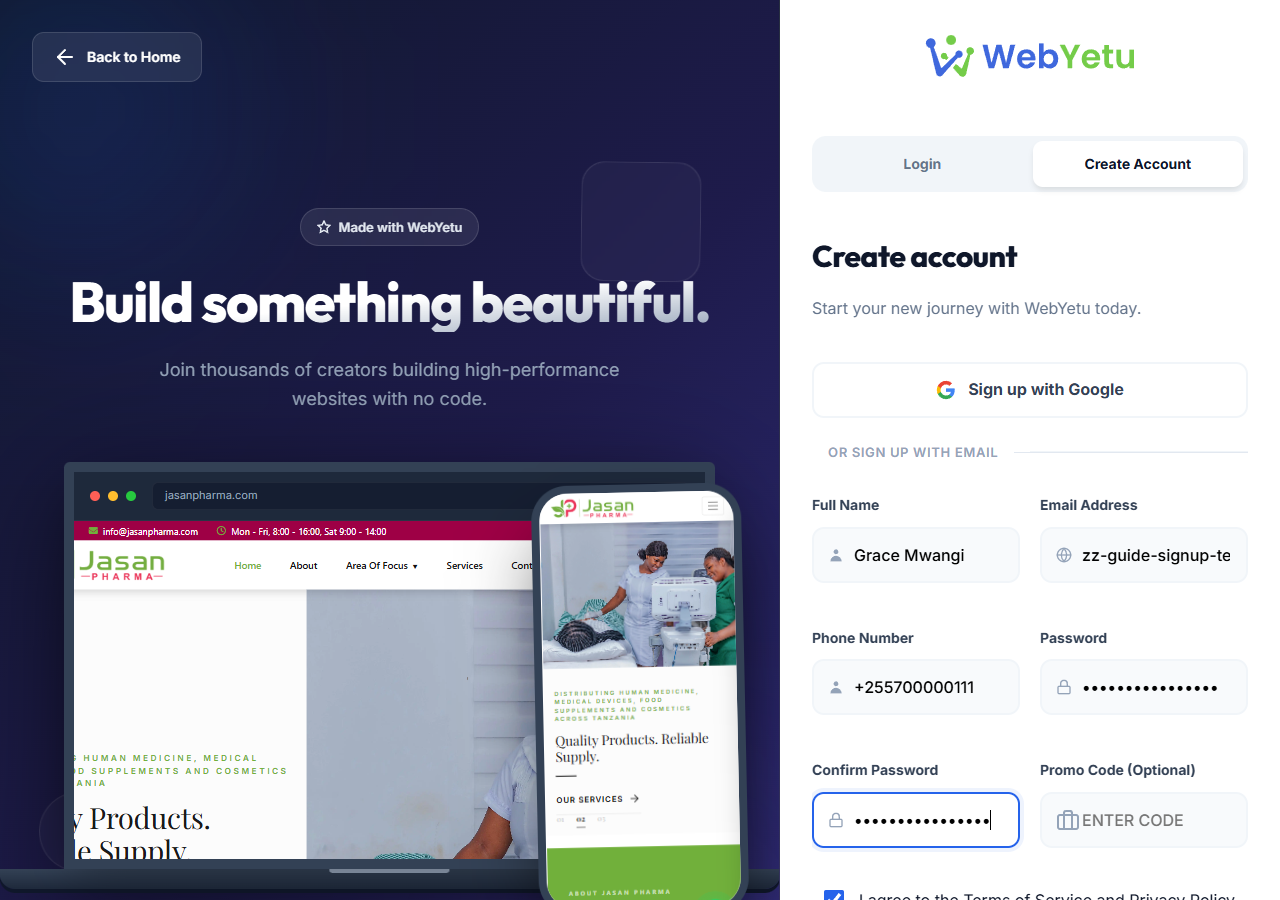
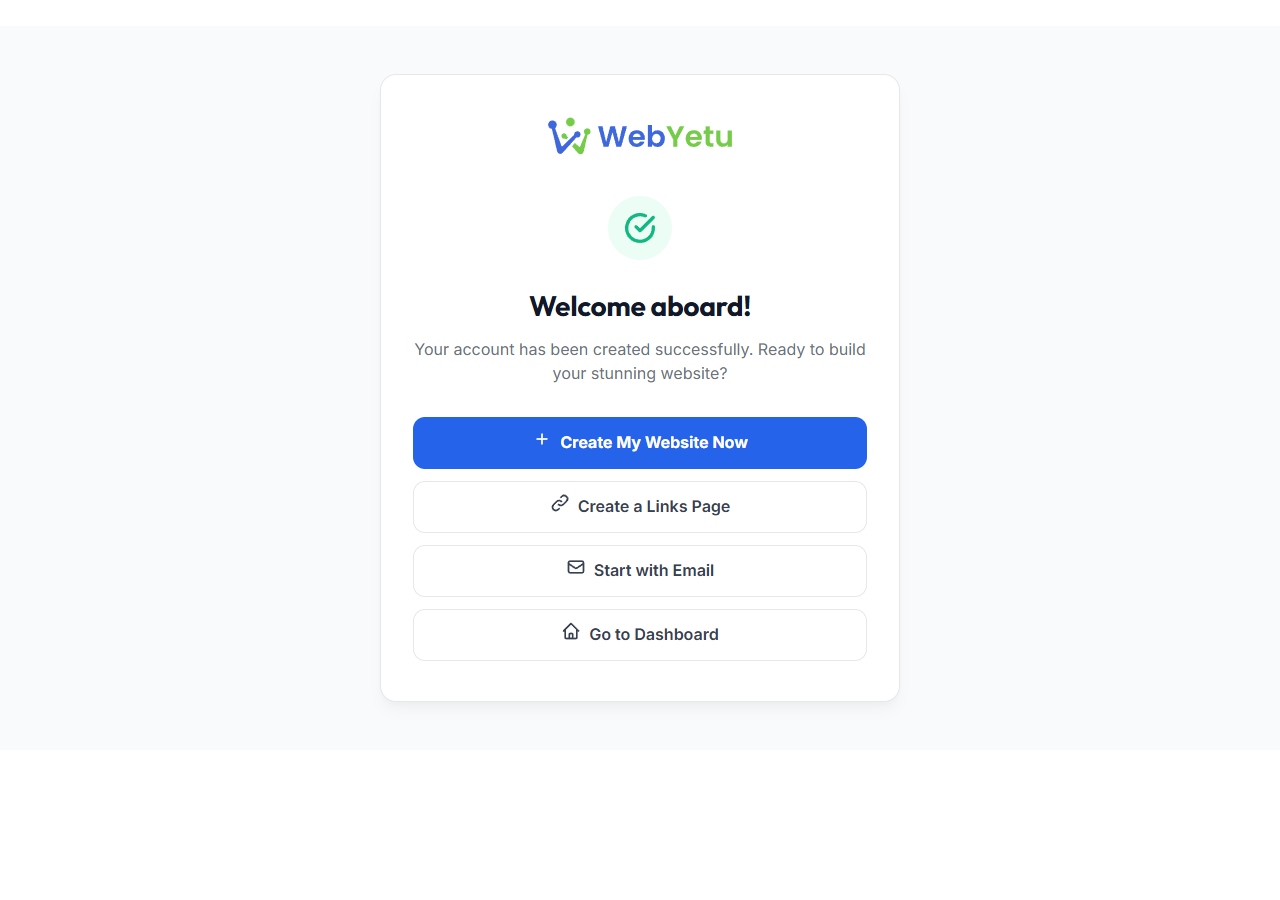
Once you submit the form, your account is created instantly and you are logged in automatically. Click "Create My Website Now" to start building your site.
Reach our support team directly and we'll help you sort it out.